Shortcodes
The Kita theme providers multiple shortcodes.
Never heard of shortcodes? See Zola documentation for more information.
Mermaid
To use Mermaid in your page, you have to set extra.mermaid = true in the frontmatter of page.
+++
title = "Your page title"

[extra]
mermaid = true
+++
Then you can use the mermaid() shortcodes like:
{% mermaid() %}

graph TD;
A-->B;
A-->C;
B-->D;
C-->D;

{% end %}
This will be rendered as:
  graph TD;
A-->B;
A-->C;
B-->D;
C-->D;
In addition, you can use code block inside mermaid() shortcodes and the code block will be ignored.
The code block prevents formatter from breaking mermaid's formatting.
{% mermaid() %}

```mermaid
sequenceDiagram
    participant Alice
    participant Bob
    Alice->>John: Hello John, how are you?
    loop Healthcheck
        John->>John: Fight against hypochondria
    end
    Note right of John: Rational thoughts <br/>prevail!
    John-->>Alice: Great!
    John->>Bob: How about you?
    Bob-->>John: Jolly good!
```

{% end %}
This will be rendered as:
sequenceDiagram
    participant Alice
    participant Bob
    Alice->>John: Hello John, how are you?
    loop Healthcheck
        John->>John: Fight against hypochondria
    end
    Note right of John: Rational thoughts <br/>prevail!
    John-->>Alice: Great!
    John->>Bob: How about you?
    Bob-->>John: Jolly good!
Admonition
The admonition() shortcode displays a banner to help you put notice in your page.
This is another way to write a GitHub-style alert, but it supports custom titles.
You can use the admonition() shortcode like:
{% admonition(type="note", title="note") %}
The `note` admonition.
{% end %}
The
noteadmonition.
The
tipadmonition.
The
importantadmonition.
The
warningadmonition.
The
cautionadmonition.
Gallery
The gallery() shortcode is very simple html-only clickable picture gallery that displays all images from the page assets.
It's from Zola documentation
{{ gallery() }}





Inline SVG
The inline_svg() shortcode is used to embed SVG images directly into a webpage, rather than including them via an <img> tag.
You can use the inline_svg() shortcodes like:
{% inline_svg() %}
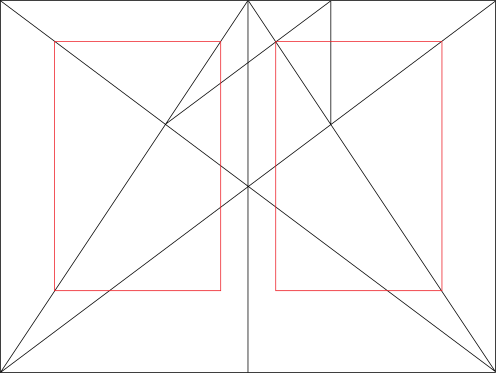
{% end %}If you don't want to display a caption below the image, you can set the Markdown image alt text to an empty string, Inline SVG, inline-svg, or inline_svg.
{% inline_svg() %}

{% end %}
{% inline_svg() %}

{% end %}
{% inline_svg() %}

{% end %}
{% inline_svg() %}

{% end %}